Free Features
Simple Daily Tracking
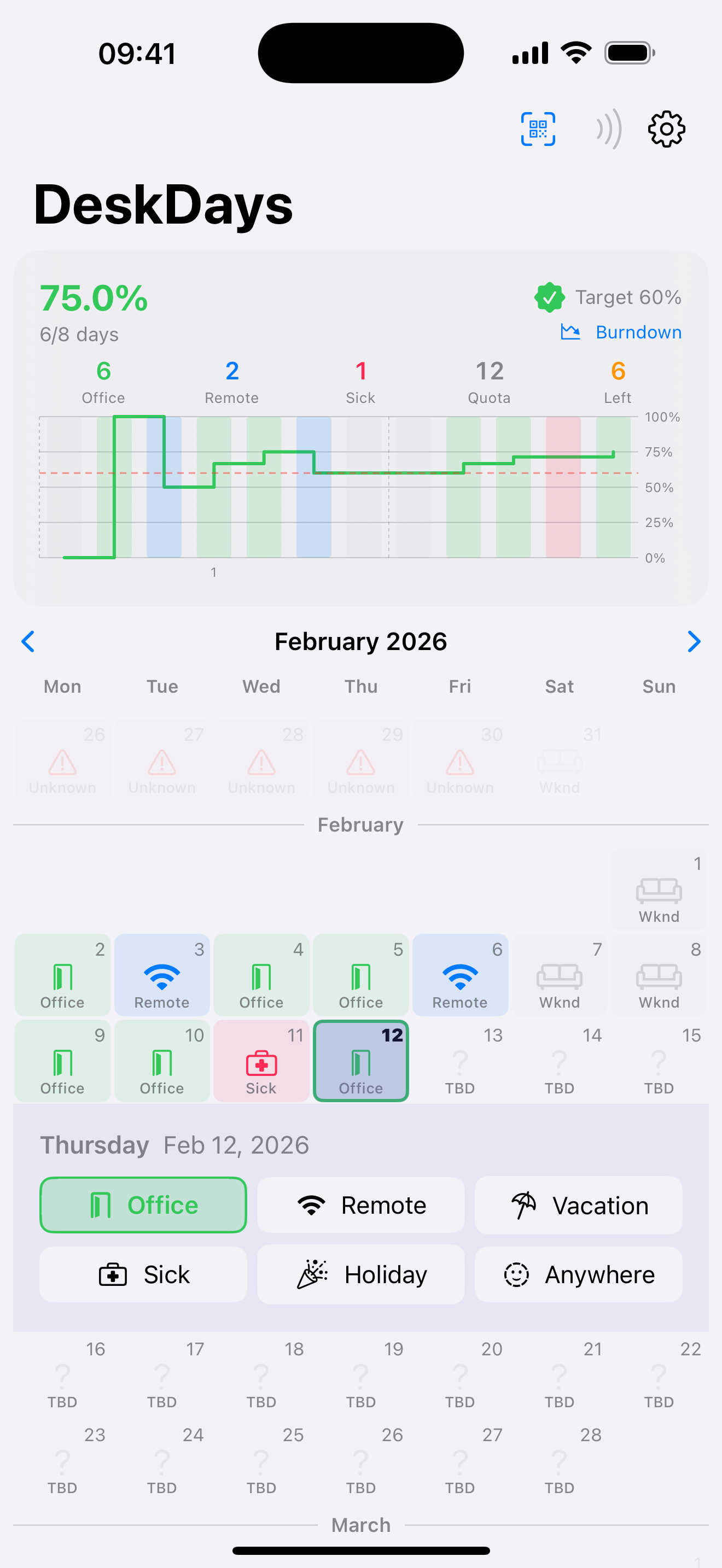
Mark each workday as in-office or remote with a single tap. No complicated forms — just the data that matters.
Progress at a Glance
See your current compliance percentage against your target immediately. Know if you're ahead, behind, or on track.
Color-Coded Calendar
A visual calendar view shows your attendance history at a glance. Spot patterns and plan ahead to stay on target.
Fully Configurable
Set your workdays, reporting period, RTO target percentage, holidays, and sick day policies. DeskDays adapts to your company's rules.
Rate Chart
Track your in-office rate over time. Understand trends and see how each week affects your overall compliance.
Privacy First
Zero network calls, zero analytics, zero tracking. All data stays on your device. No account required.
Pro Features
One-time purchase. No subscriptions ever.
Auto Check-In
Automatic office detection via WiFi network or geofence location. Walk in and DeskDays logs it for you.
QR & NFC Check-In
Scan a QR code or tap an NFC tag to check in. Deep link support for custom office workflows.
Burndown Chart
Visualize how many in-office days you need across the rest of your reporting period to hit your target.
Apple Watch
Check your status and log days from your wrist. Your iPhone syncs attendance data to the companion watch app.
Built for the Hybrid Era
Whether your company requires 50%, 60%, or any other in-office percentage, DeskDays adapts to your target.
Get DeskDays